
A cut-and-paste photo collage, made for you
All your photos piled up like a scrapbook page — tilted, overlapping, some cut out of their background — and nobody's face hidden.
Upload your photos and pick Collage in the studio. Free to create and preview.

Grid collages put every photo in its own box. This one works like scissors and glue: photos overlap and tilt at random like a real paste-up, while the layout makes sure no photo covers the important part of another.
Every photo, once, and no face covered
Add your photos and the collage uses each one exactly once — from a handful to hundreds. You don't arrange anything: the pile is laid out for you, with sizes and angles mixed the way a hand-made collage would be.
Before a photo is placed, the important part of every photo already on the page — usually faces — is marked as off-limits, so overlaps land on sky, background and edges, not on people. Don't like the arrangement? Reshuffle for a new one in a second.
Cut-outs when you want them
Photos stay whole unless you ask. Select the ones you want and press Cut out: the subject is cut from its background and sits on top of the pile with a white sticker outline, like a figure clipped from a magazine. Each photo is cut once and kept, so switching between the cut-out and the whole photo is instant.
Pick one photo as the centre piece to make it the biggest, near the middle. You also choose the shape (portrait, square or landscape), how much the photos tilt, the outline, the shadow and the background colour.
Great for trips, weddings and friend groups
A collage shines with lots of candid photos: a summer trip, a hen or stag weekend, a wedding, a birthday, a year with your best friend. Photos people sent you in a group photo collection can go straight into a collage too.
When you're happy, download the full collage as a 10,000-pixel JPEG — sharp enough for a large print. To rebuild one photo out of hundreds of small ones instead, use the photo mosaic maker.
Look closer
Every tile is a real photograph. Zoom into a finished piece — or watch one come together.
Reel
Prefer to make it on your phone?
Made to be displayed
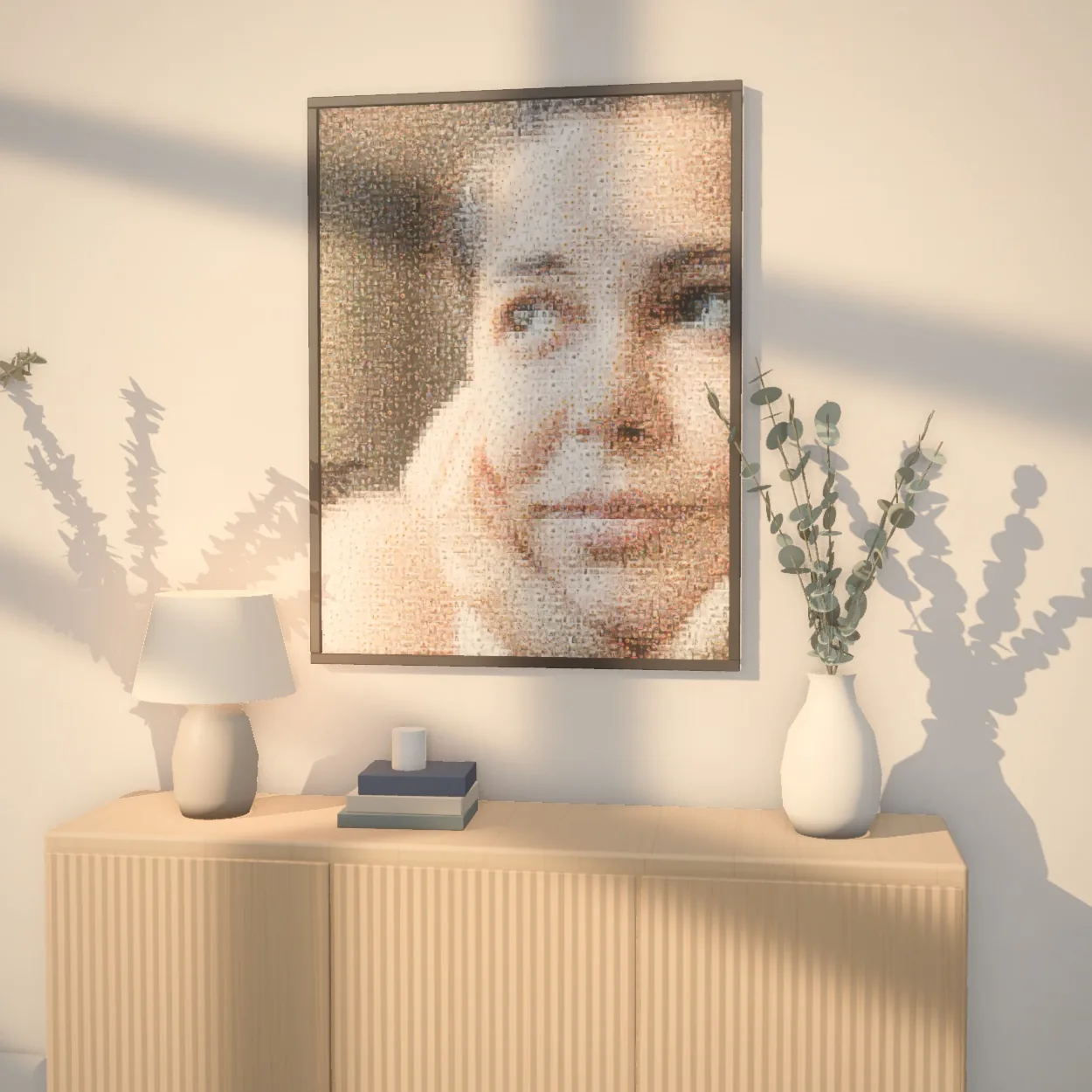
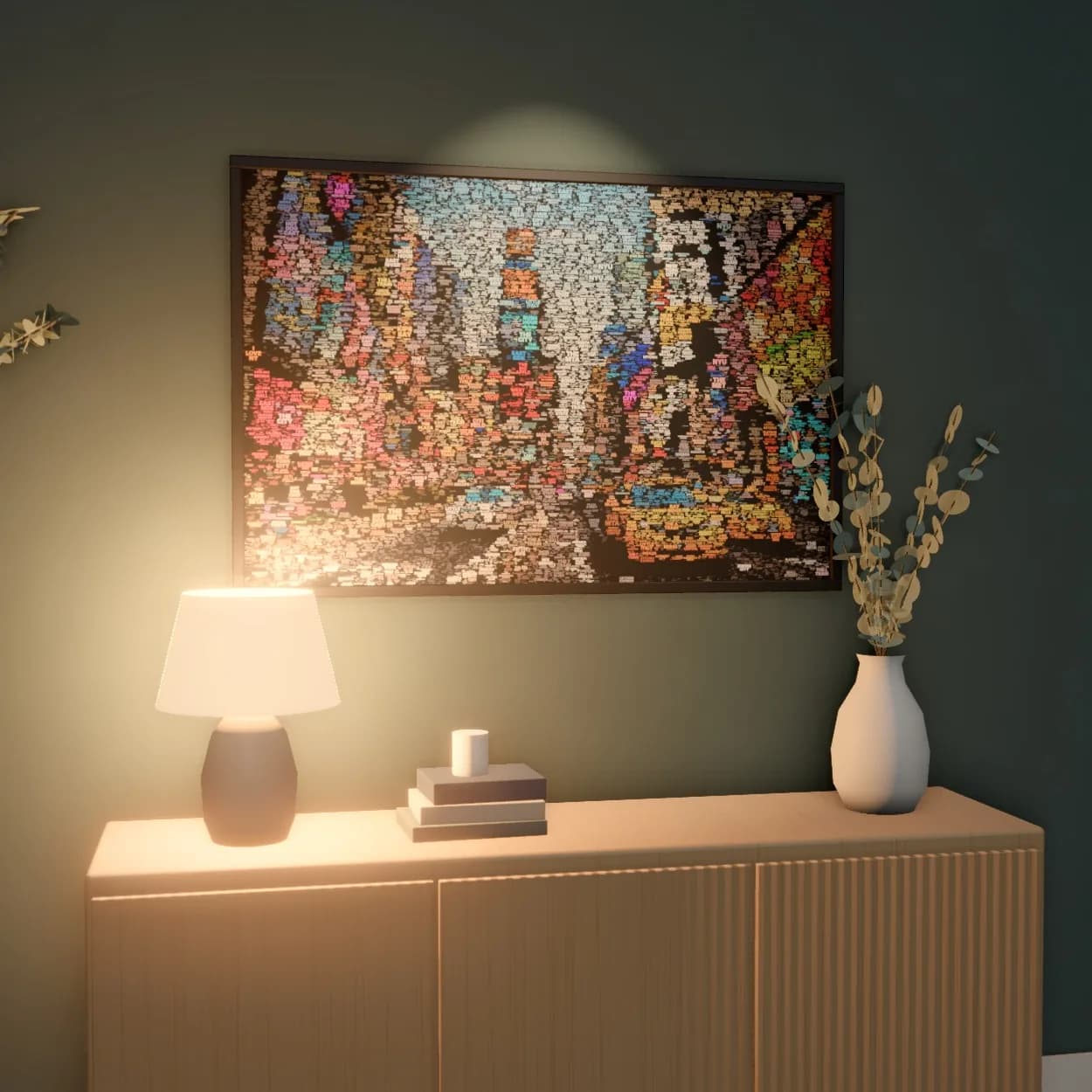
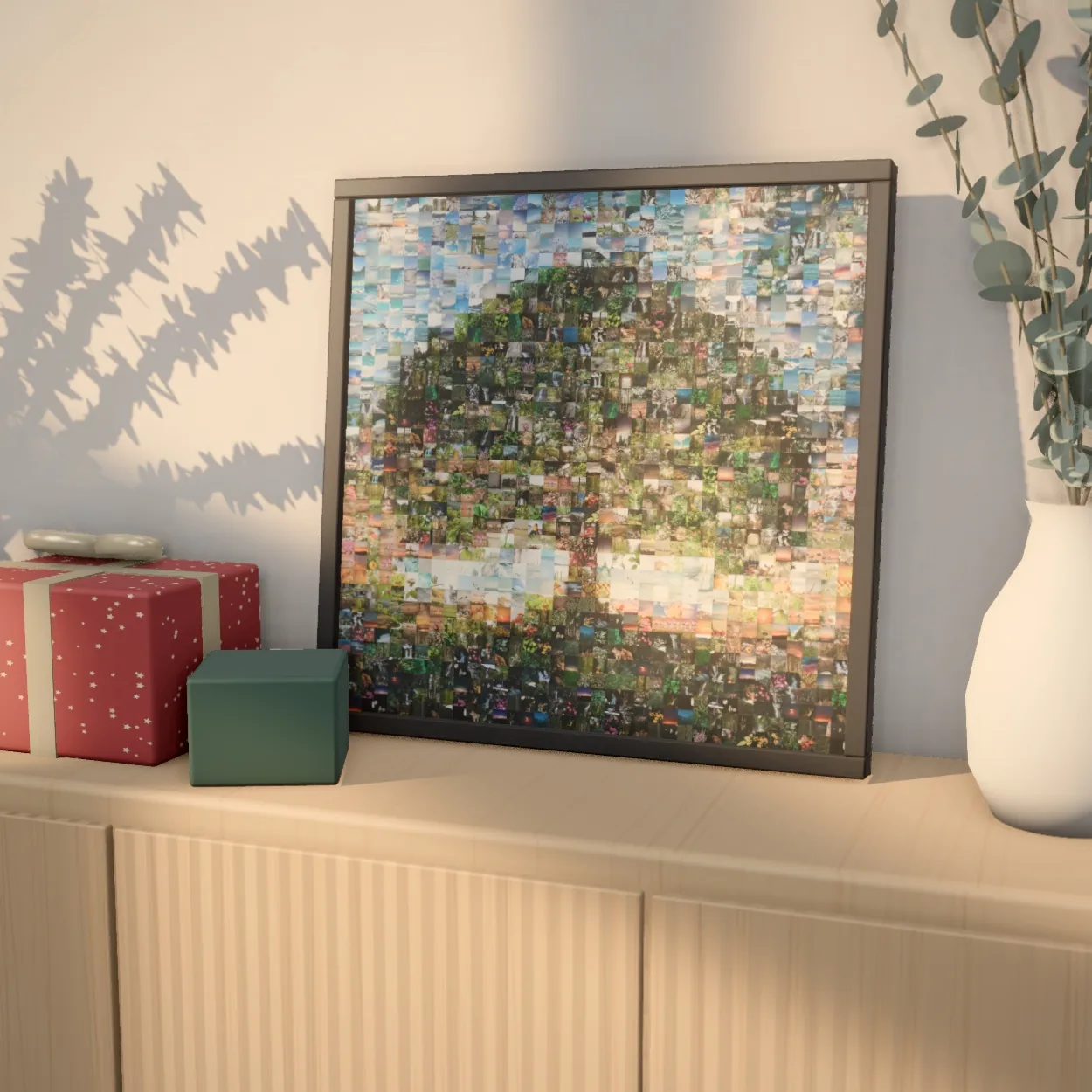
A finished mosaic is a real piece of art — for the living room, as a gift, or printed big enough to fill a wall.
 Up close
 Up close
 Up close
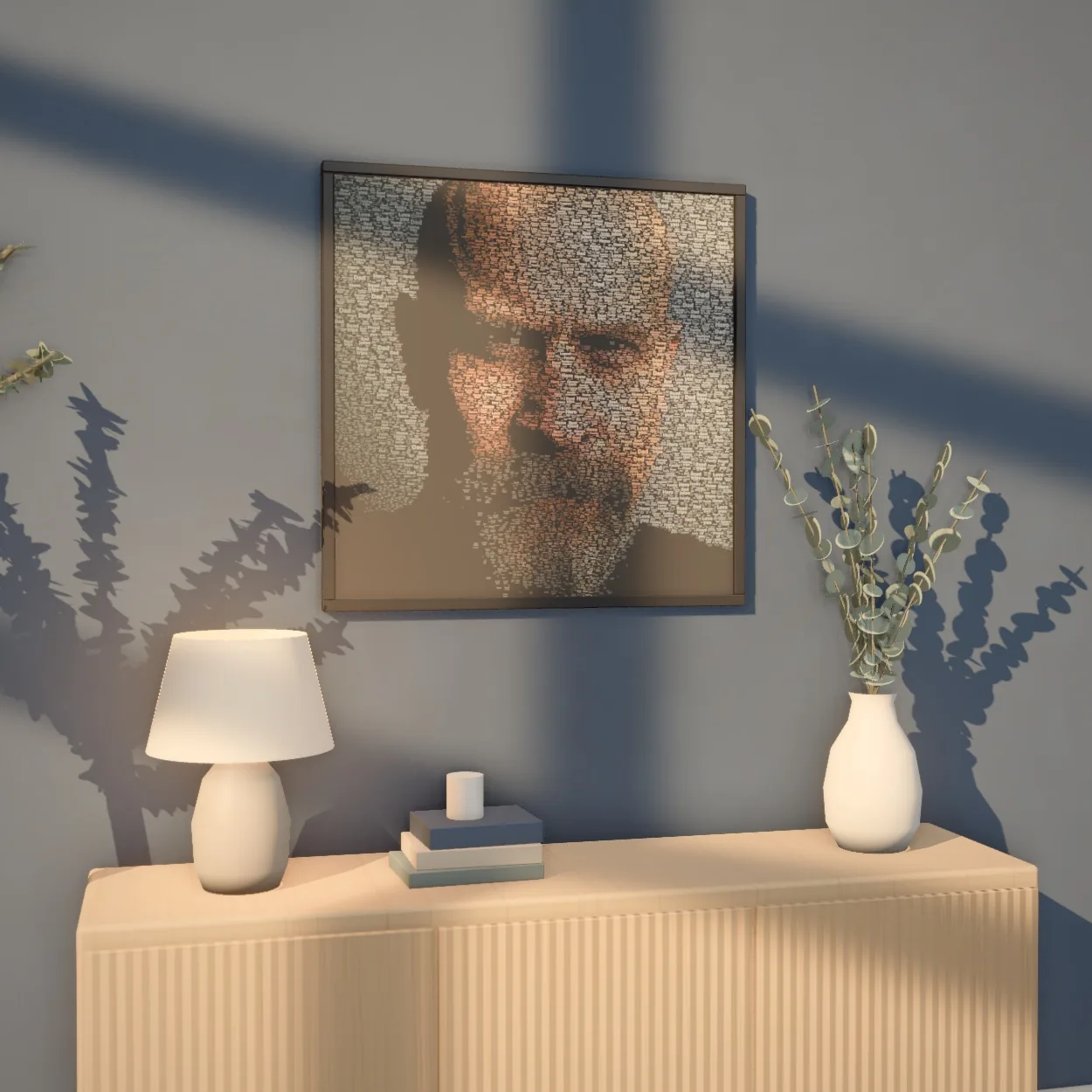
 Up close
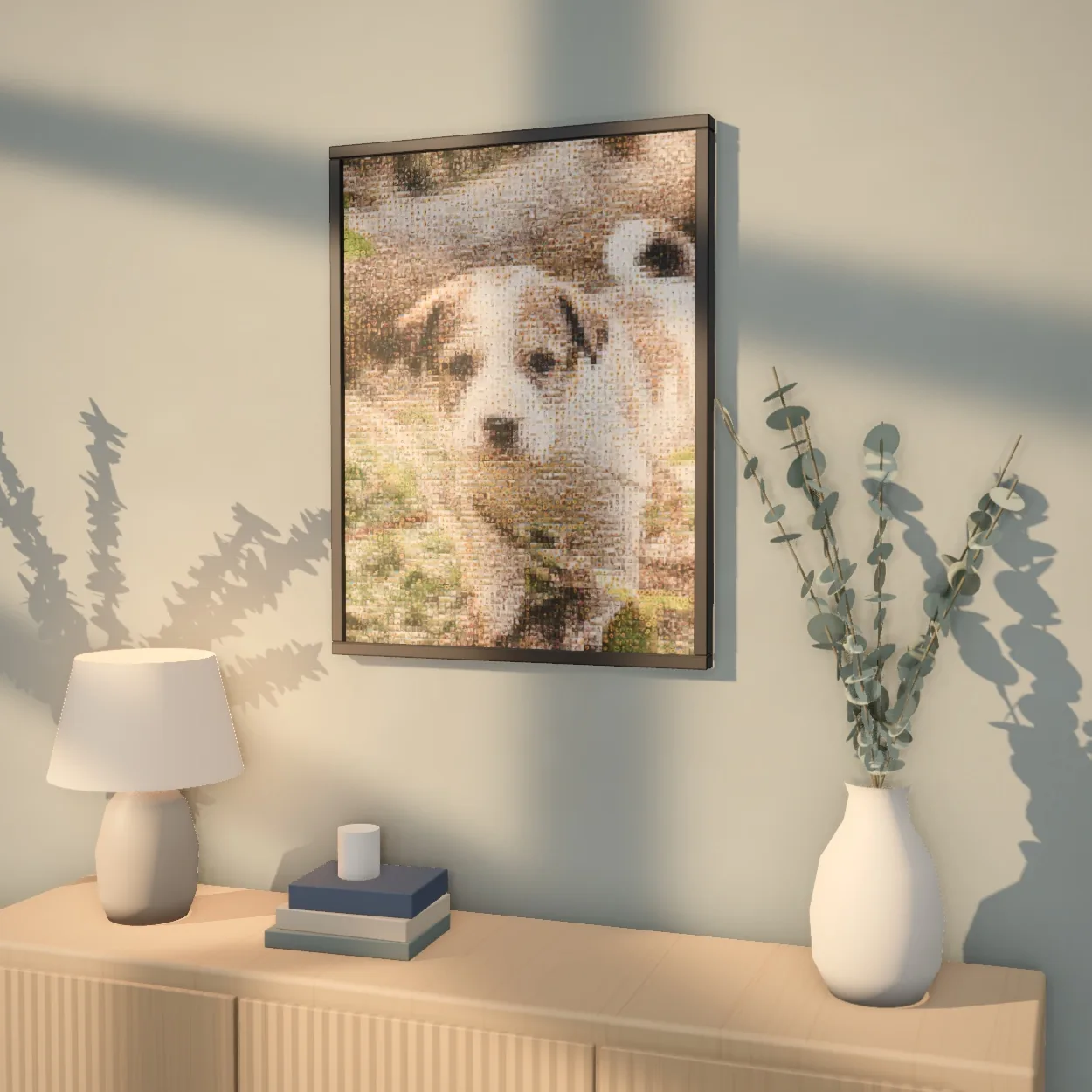
 Up close
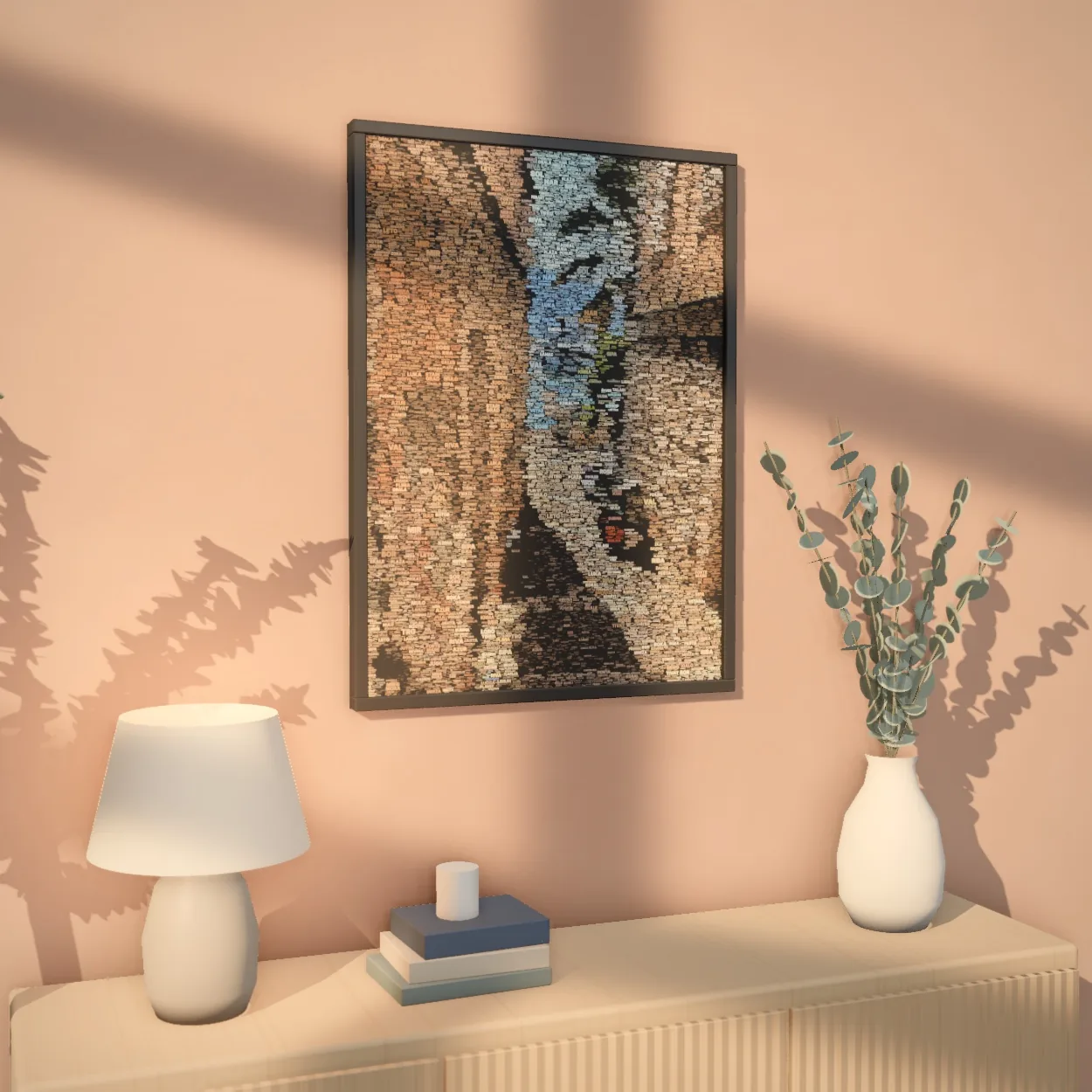
 Up close
Every mosaic exports in print-ready high resolution, at any size.
Common questions
How many photos can a collage have?
From a few up to 1,000, and every photo appears exactly once.
Will a photo cover someone's face?
The layout is built to avoid it: the important part of each photo, usually the faces, is kept clear and other photos only overlap the rest.
Are my photos cut out automatically?
No. Photos stay whole until you select them and press Cut out, and you can switch any of them back to the whole photo at any time.
Is the photo collage maker free?
Creating and previewing is free. You pay only to download the full-resolution file.