

One mosaic, made from everyone's photos
Send one link to the group. Everyone adds their photos from their phone — no app, no account — and you turn them into one picture.
Collecting photos is free. Nobody you invite needs an account.
The hardest part of a photo mosaic for a wedding, a big birthday, a retirement or a memorial is getting the photos out of everyone else's phones. A shared link does it for you: people tap it, pick their photos, and they arrive in your mosaic library.
How it works
Name the mosaic and you get a link and a QR code. Send it on WhatsApp, Viber, email or print the QR on the invitation. Everyone who opens it can add photos straight from their phone's gallery, and you see them arrive live.
Each person sees only their own photos and can remove them again. When you have enough, open the collection in the photo mosaic maker and build the mosaic — or send it to us and we will build it for you.
Ideas for group mosaics
A wedding portrait made from every guest's photos of the couple. A 50th birthday built from half a century of family albums. A farewell gift from the whole team. A memorial made from the photos friends shared. A class or club reunion poster.
Live on the big screen
At an event, the mosaic can build itself live on a screen as guests upload — every new photo finds its place in the picture while everyone watches.
A QR code photo mosaic for events
Every group mosaic comes with its own QR code. Print it on table cards, invitations or a sign at the entrance, and guests scan it with their phone camera to add photos — no app, no account, no typing a link. On the live screen the QR code is shown next to the growing picture, so everyone in the room can join in.
Look closer
Every tile is a real photograph. Zoom into a finished piece — or watch one come together.
Reel
Prefer to make it on your phone?
Made to be displayed
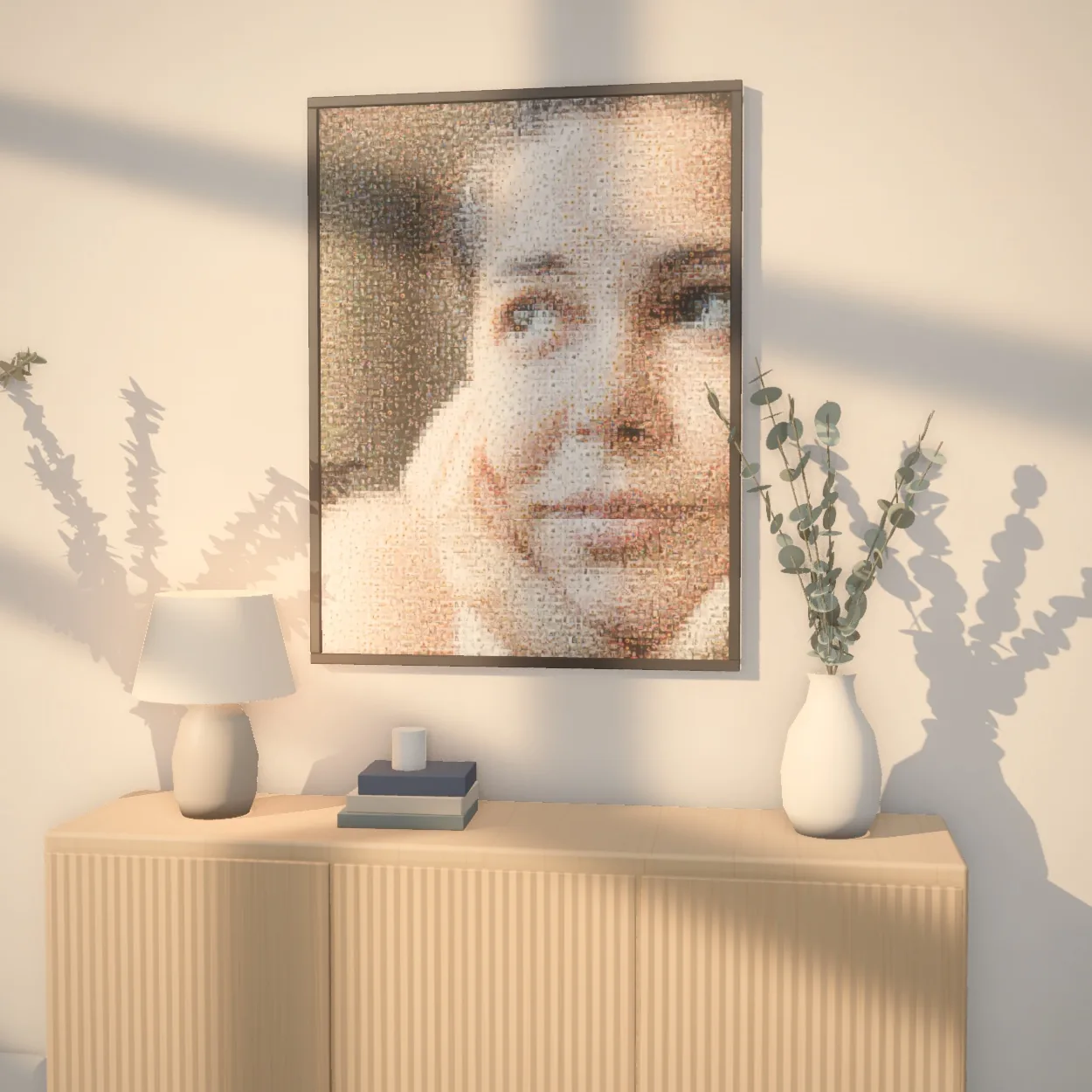
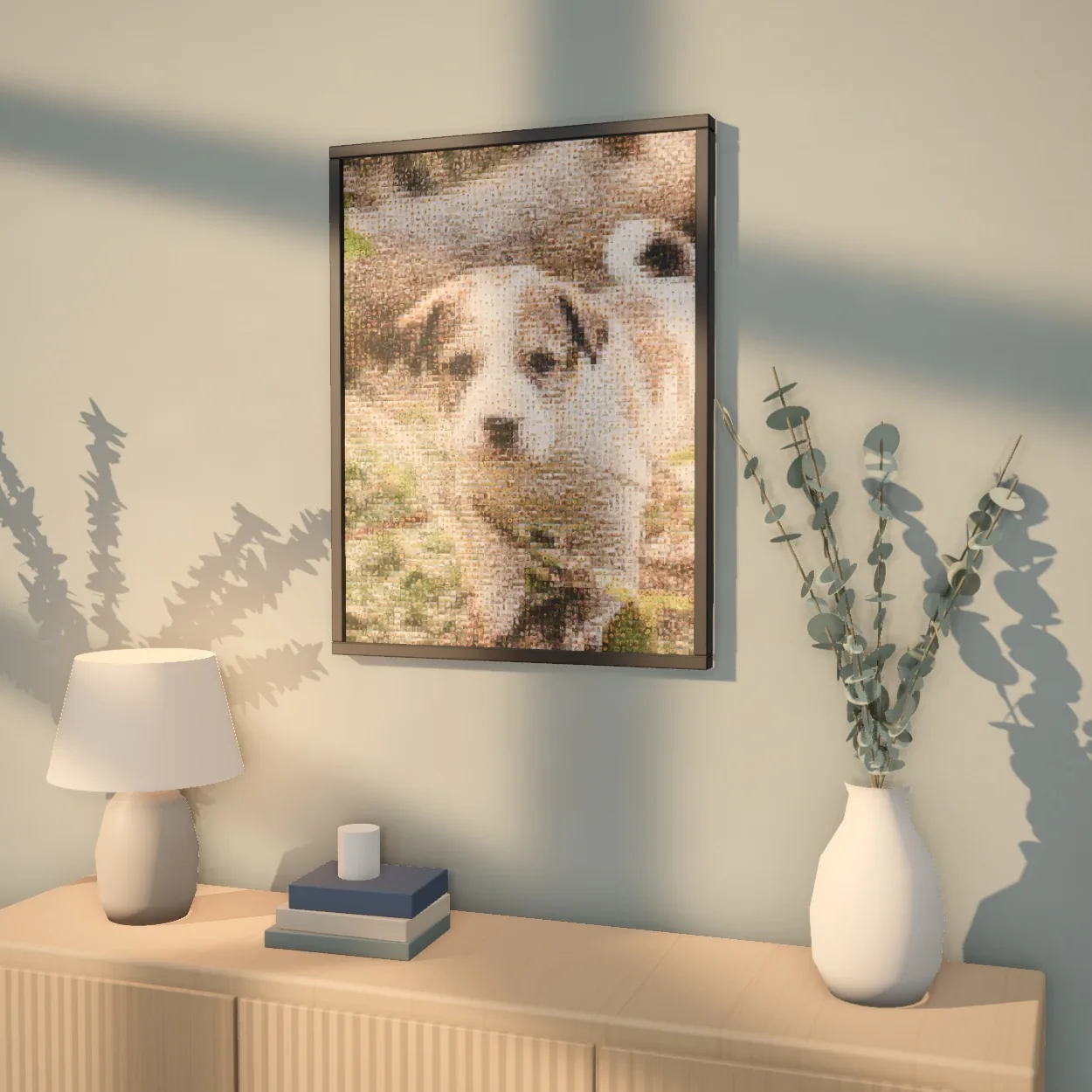
A finished mosaic is a real piece of art — for the living room, as a gift, or printed big enough to fill a wall.
 Up close

 Up close

 Up close

 Up close
 Up close

 Up close
Every mosaic exports in print-ready high resolution, at any size.
Common questions
Do guests need to install an app or create an account?
No. They open the link in their phone's browser and add photos. That's all.
How many photos does a group mosaic need?
A few hundred works well. The mosaic reuses photos as needed, so you don't need thousands.
Who can see the photos?
Contributors see only their own photos; the organiser sees all of them. Only share the link with people you would trust with the photos.
Can guests add photos by scanning a QR code?
Yes. Each group mosaic has a QR code: guests scan it with their phone camera and add photos straight away. Print it on invitations or table cards, or show it on the live screen.
What does it cost?
Collecting photos, building the mosaic and previewing it are free. Only the full-resolution download is paid.